
Signing in and getting around
The console is Scriblet’s website for running your organization, at console.scriblet.io. Admins use all of it. Contributors can use it too, once an admin invites them, and see less of it.
In this guide, anything marked Admins only is for admins and the owner. Owner only is for the owner alone.
Signing in
Section titled “Signing in”You need an invitation first. Ask one of your organization’s admins.
- Open the invitation email and choose its link.
- Sign in, or create a Scriblet account, with the address the invitation was sent to.
The link works once, and for 7 days. If it has stopped working, ask for a new invitation. See If they can’t accept.
After that, go to console.scriblet.io and sign in.
Finding your way
Section titled “Finding your way”On a phone, choose the menu button (☰) at the top left. On a computer, the menu is down the left side.
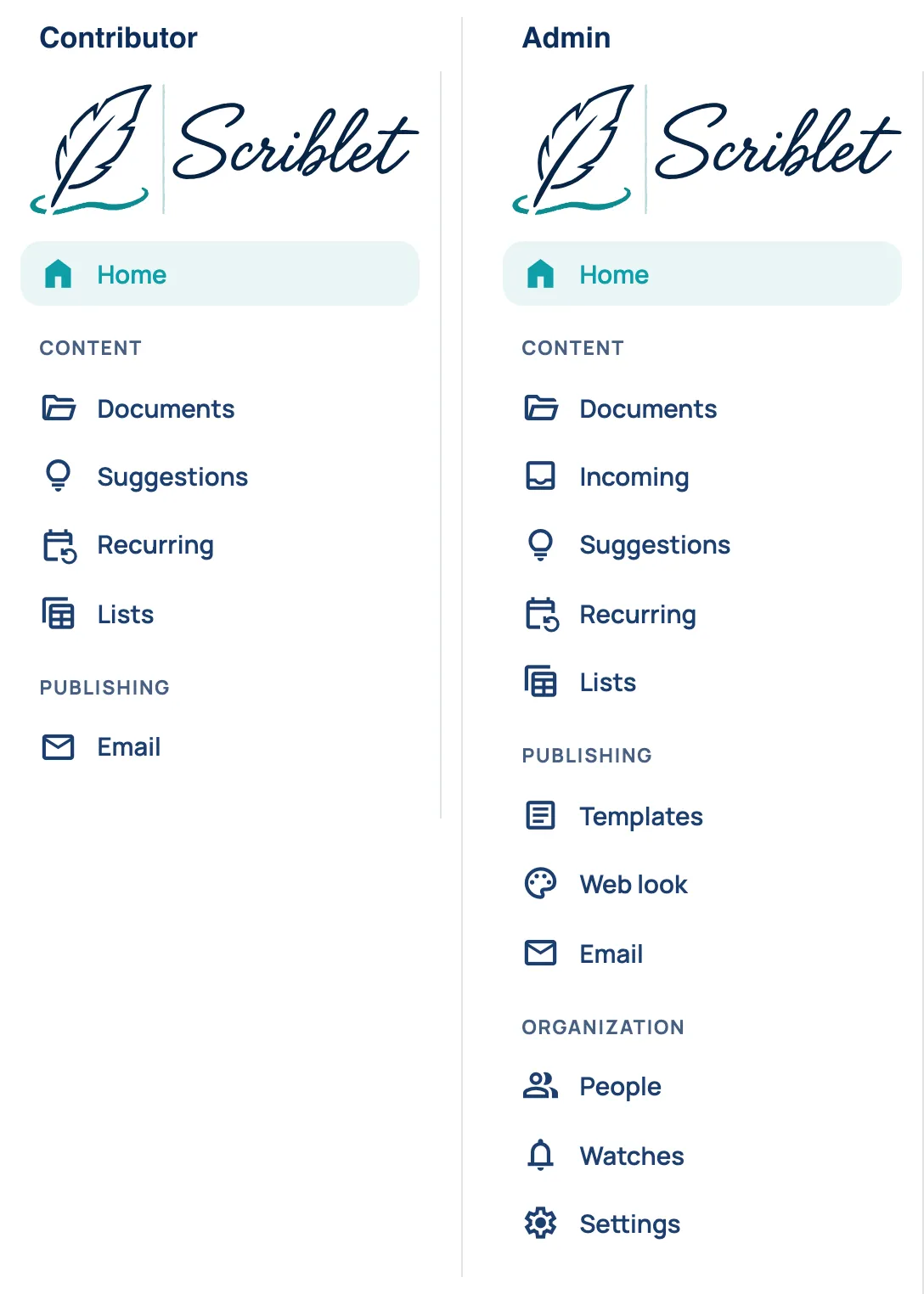
Everyone with console access sees:
- Home: what’s coming up, laid out like a bulletin. See Home.
- Documents: bulletins, web pages and files. See Documents.
- Suggestions: messages passed on to the admins. See Suggestions.
- Recurring: events that repeat, like a weekly prayer meeting. See Repeating events.
- Lists: tables like the study classes and their rooms. See Lists.
- Email: what was sent, and your email list. See Your email list.
Admins also see:
- Incoming: files from people who aren’t contributors. See Messages from people who aren’t contributors.
- Templates and Web look: see Bulletins and templates and Web pages.
- People: see People and roles.
- Watches: see Alerts and Automatic links.
- Settings: see Settings.
If a contributor opens the address of an admin page, the console takes them to Home.
Ask Scriblet, the round button at the bottom right of every page, opens a chat. See Asking Scriblet.
Your role
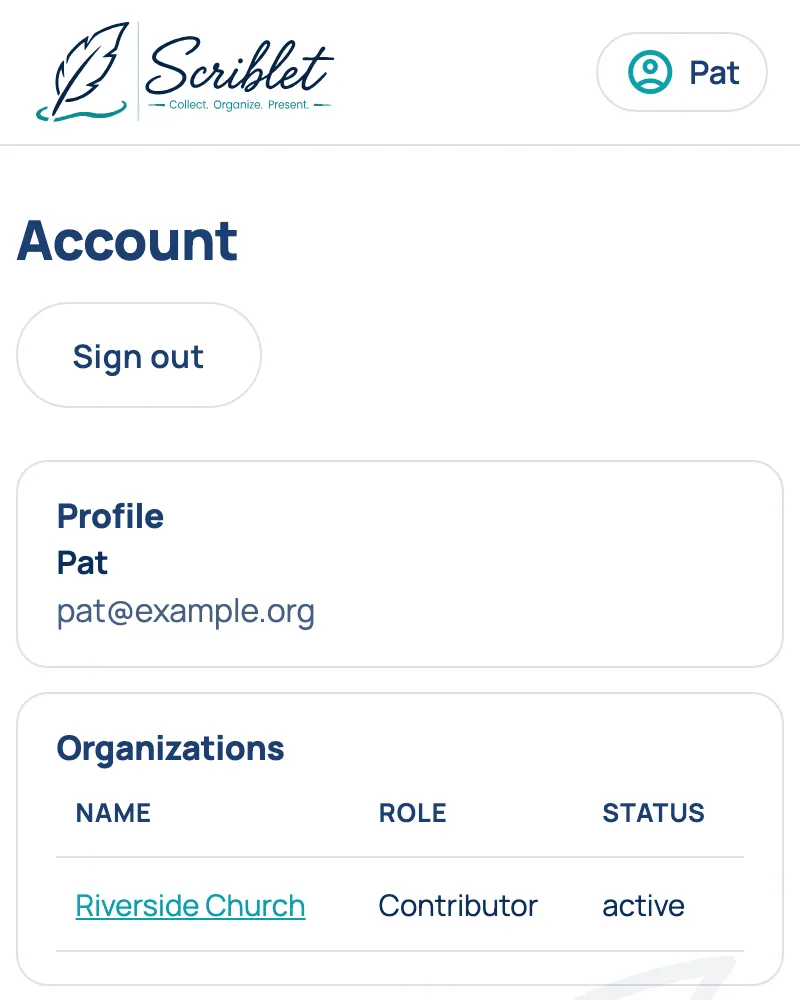
Section titled “Your role”Choose your name at the top right, then Account. Under Organizations, Role says whether you’re a contributor, an admin or the owner.
What each role can do
Section titled “What each role can do”Everyone on People is a contributor or an admin. The owner is the admin who set the organization up.
Every contributor can text and email updates. With console access, a contributor can also:
- see Home, and change, remove or ask about an item by clicking it
- chat with Scriblet
- open, download and upload to Documents
- read Suggestions
- add, change, end and remove repeating events on Recurring, and cancel one week
- keep the rows of Lists up to date
- see sent emails and the email list on Email
An admin can do all of that, and also:
- manage People and their Watches (calendar alerts)
- make bulletins and web pages, and change Templates and Web look
- make, rename and delete Lists, and change their columns
- set links on calendar items with Link this…, and Automatic links
- send email
- review Incoming files, and rename or delete files and suggestions
- turn on and change Sunset times
- change Settings
The owner can do everything an admin can, and also:
- manage billing
- remove an admin, make an admin a contributor, or take away an admin’s console access
The owner can’t be removed or lose console access.